Built for Wix Stores
ChatGPT Ads for Wix Stores
Manage the products you send to OpenAI Ads from one Wix app. Review your catalog, fine-tune feed details and create a feed for each market you sell in.
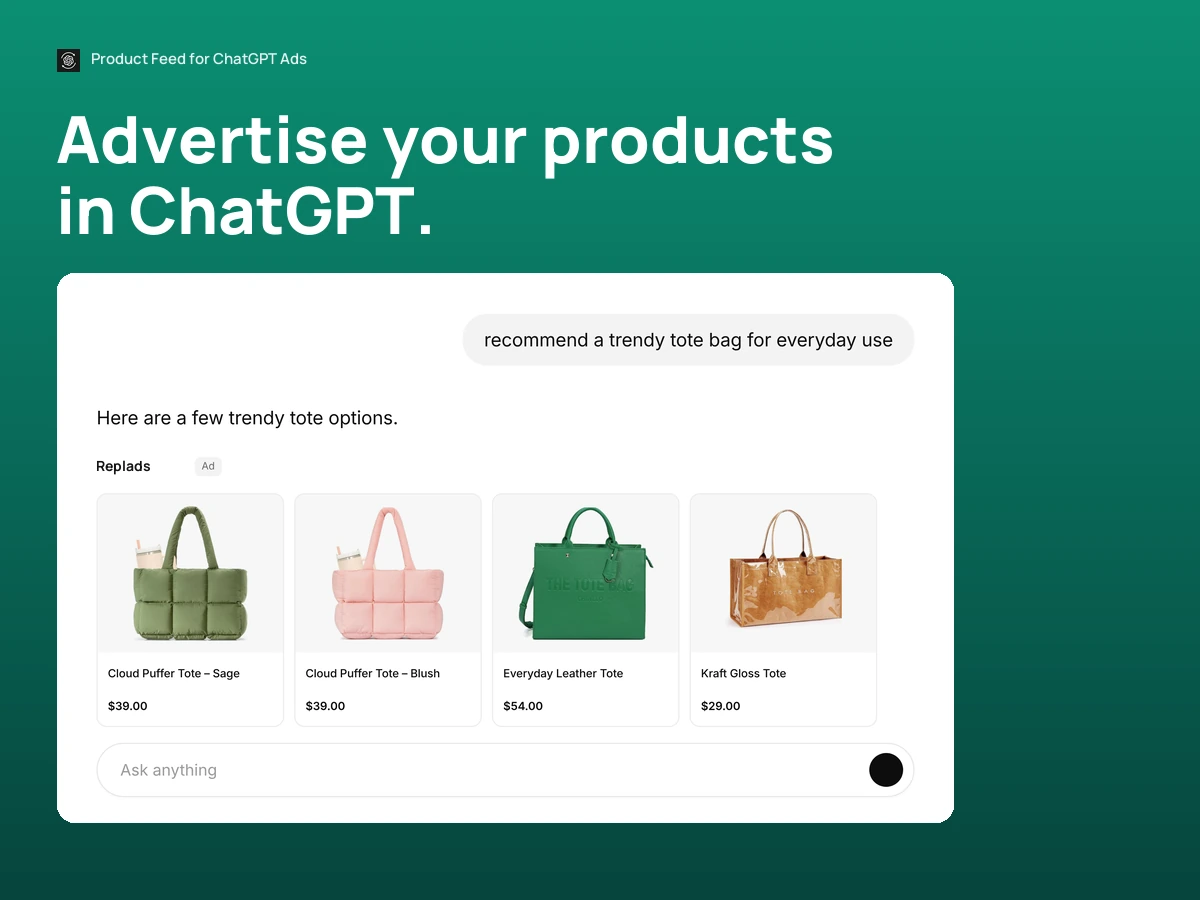
See the app on a Wix store.
From Wix Stores to your product feed.
Connect your store, choose your products, and send an up-to-date feed to OpenAI Ads.
Connect your store.
Bring your Wix product catalog into Replads.


Choose products for ads.
Apply rules, edit feed details and check product data.
Product feed
- Title
- Price
- Image
- Availability
Sync your feeds.
Keep a separate feed for each country you target.
Control your Wix product feed.
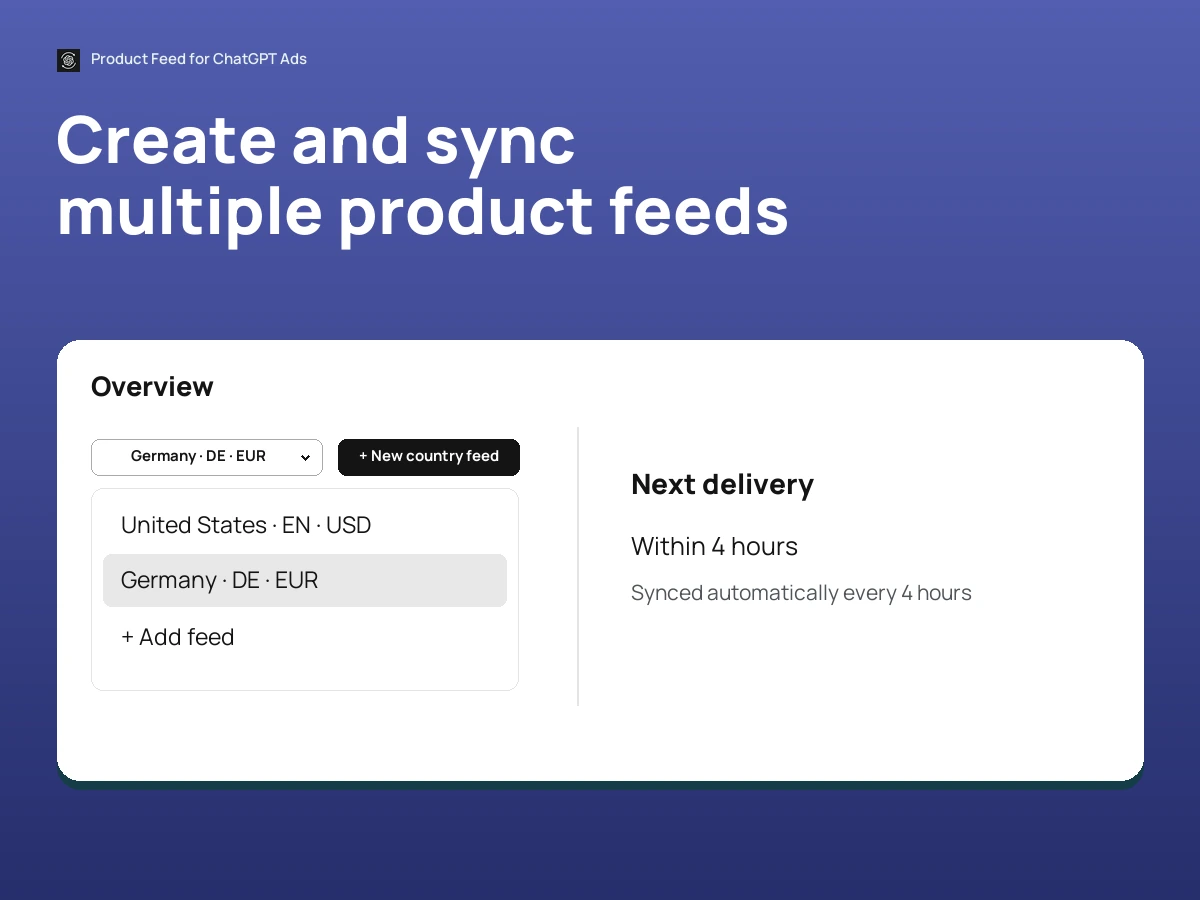
Create and sync multiple product feeds
Manage a feed for each country from one Wix store.
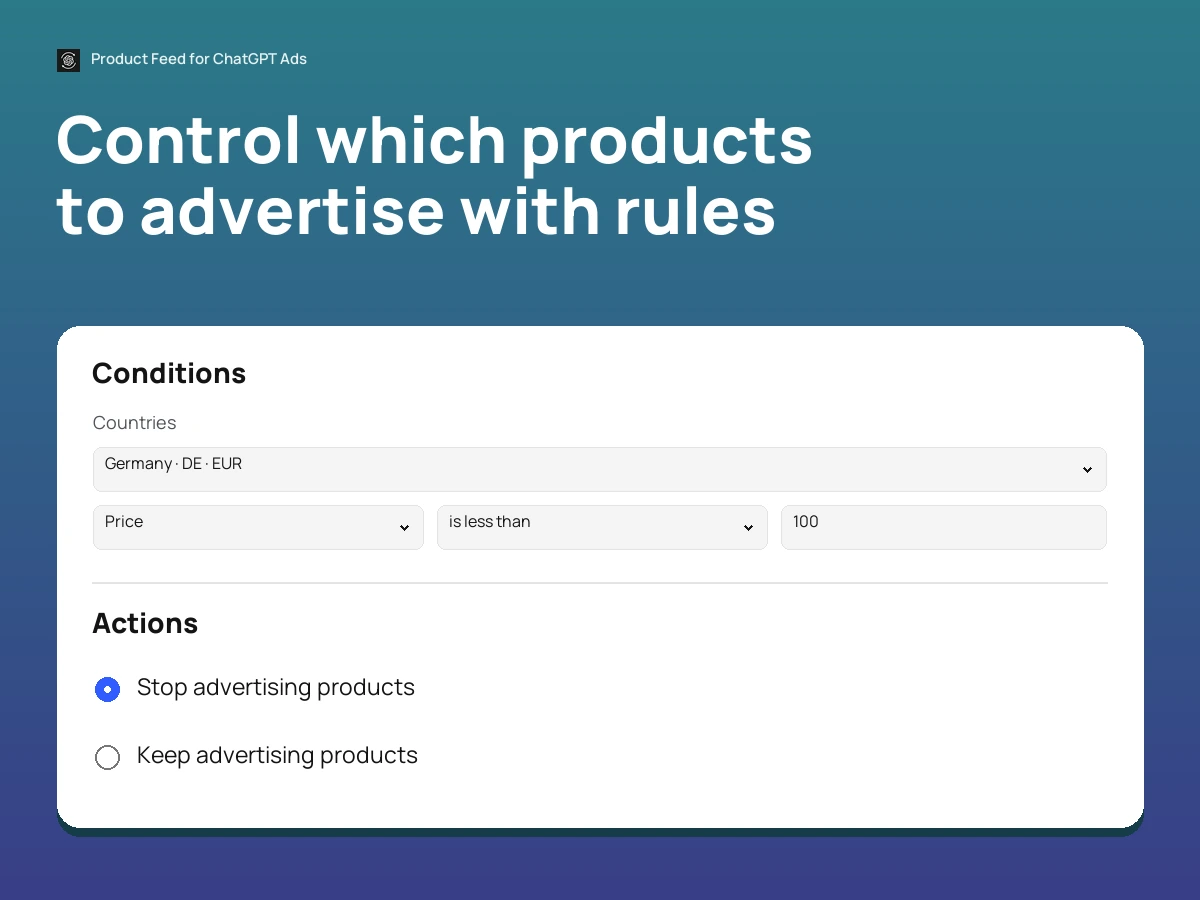
Control which products to advertise with rules
Include or exclude products based on your catalog data.
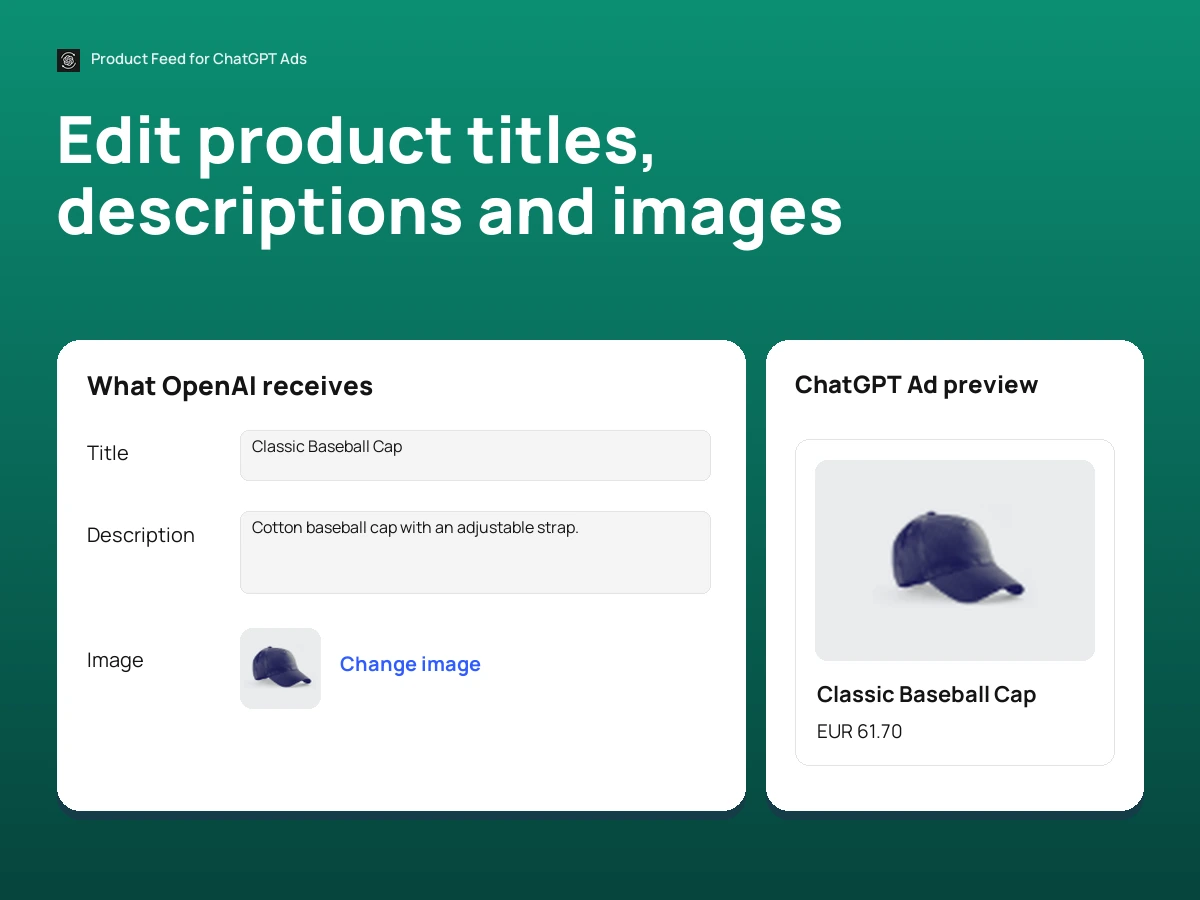
Edit product titles, descriptions and images
Adjust the information you send for ads.
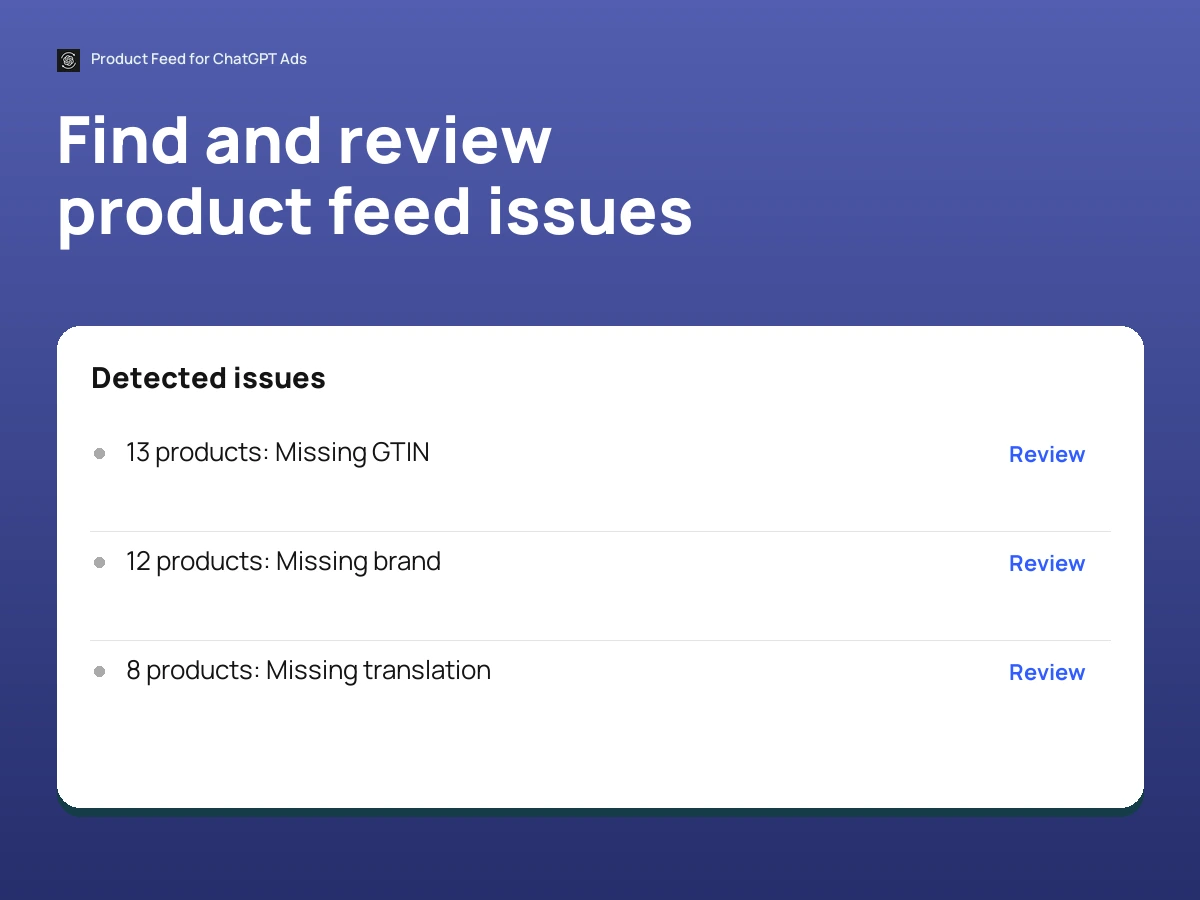
Find and review product feed issues
Review missing or invalid details before delivery.
The feed, explained
What does the Wix app send to ChatGPT Ads?
A product feed is a structured set of product details such as title, price, image, product link and availability. Replads prepares those details from Wix Stores for your OpenAI Ads account.
The app handles the catalog connection and feed preparation. Campaign setup, budgets and ad delivery remain in OpenAI Ads Manager.
What ChatGPT Ads actually cost
The latest data on OpenAI Ads CPC, CPM, CTR and daily budget, broken down by geo and industry.
Before you install.
A few details about how Replads fits into your Wix workflow.
Start with the catalog you already have in Wix.
Install Replads, review your products and prepare a feed for ChatGPT Ads.